Profile & Settings
Manage your profile, appearance, and platform settings.
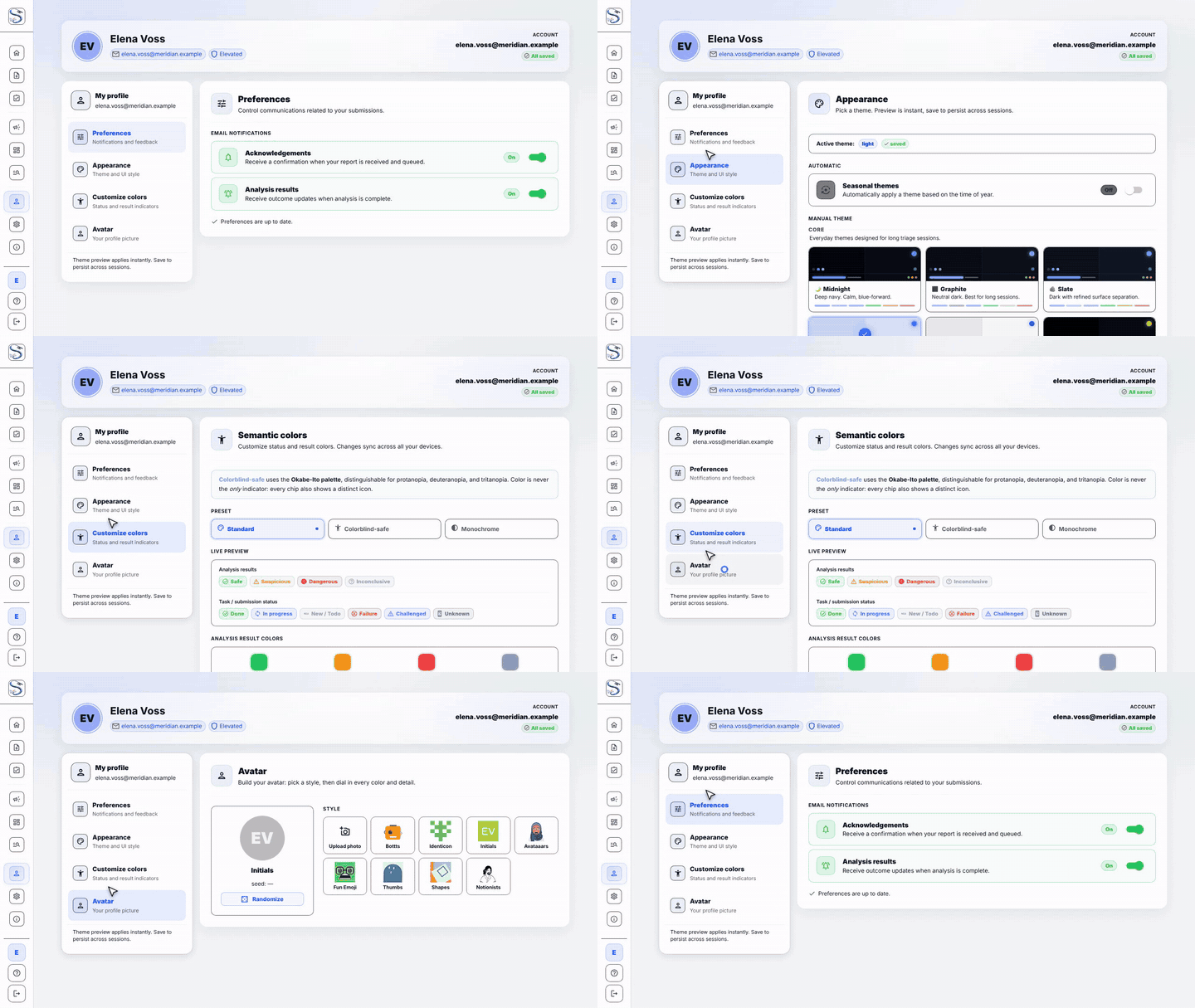
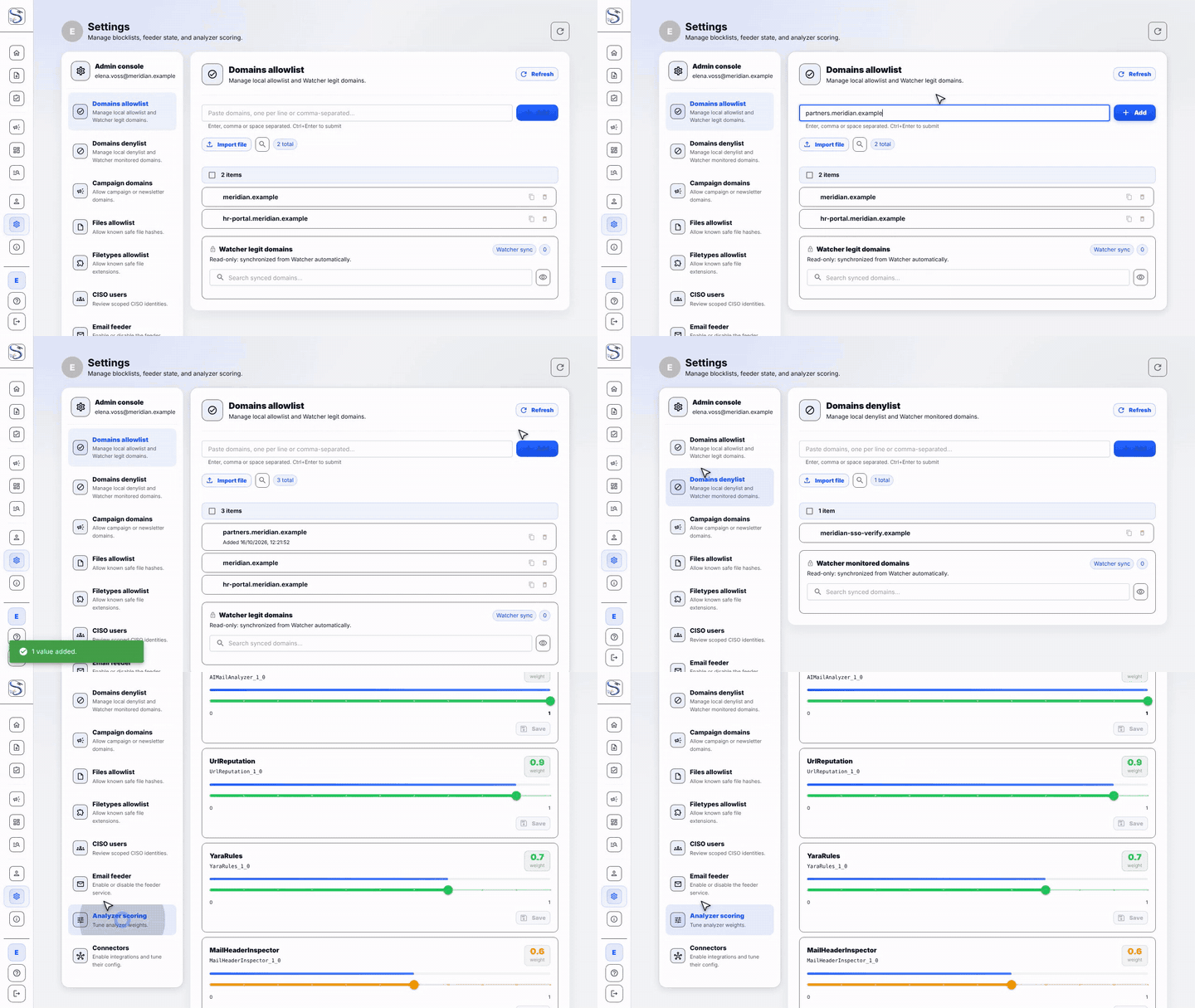
Admins and CERT also get the Settings console: allow and deny lists, the email feeder switch and analyzer scoring weights.
AI model card
The AI model card sits in the Settings console under Integrations. It
appears only for users in the Admin group and only while the ai_model
connector is enabled (the connector's tile in Connectors links to it). It
manages the mail classifier's versions through five tabs. The API behind it lets
the CISO group read the same data; every change needs Admin.
| Tab | What it shows and does |
|---|---|
| Overview | Connector health, the circuit breaker (with Reset breaker when it is open or half-open), the active version (with a warning when it is older than 60 days and "Confidence not calibrated" for the legacy version), labels by class and source, the automatic-retrain schedule, and Start a retrain |
| Candidate | The model a retrain produced: rows used and excluded, the quality gate results, Start shadow (only when the candidate passed the gate and no shadow is running) and Discard |
| Shadow | The shadow model's progress (results against the 500 needed), the verdict changes and campaign differences you must review, the promotion conditions, and Promote, Extend (new total days), Recheck and Discard |
| Versions | The version history with scored and Dangerous counts, campaigns created and joined, alerts, label purity and warnings, and Rollback to the previous version |
| Ledger | Labels by source, the label mix now against the training set, flagged labels to Keep or Drop (with a note), and the review queue of cases where the AI disagrees with the evidence and of campaigns whose members disagree |
What the actions do:
- Retrain trains a new model from the label ledger on the inference server and stores it as a candidate. It never changes what runs. One job at a time; a failed scheduled run backs off for 7 days.
- Shadow runs the candidate next to the live model on new mails (and replayed past cases) and records what it would have decided, without affecting any verdict.
- Promote makes the shadow the live model. It is refused until the shadow window has passed, enough results exist, each critical verdict change (Safe to Dangerous or the reverse) and campaign difference has a recorded review, the gate recheck is fresh and no job is running. The refusal names the unmet conditions.
- Rollback returns to the previous version; Discard drops a candidate or shadow.
Every action asks for confirmation and is written to the model's audit trail. Operations and troubleshooting: AI / ML Analyzers.