UI tour
A short animated look at each page of the web UI. The clips are recorded from the real app with fictional data ("Meridian Group"). For a narrated, subtitled walkthrough, see the product demo.
Sign in
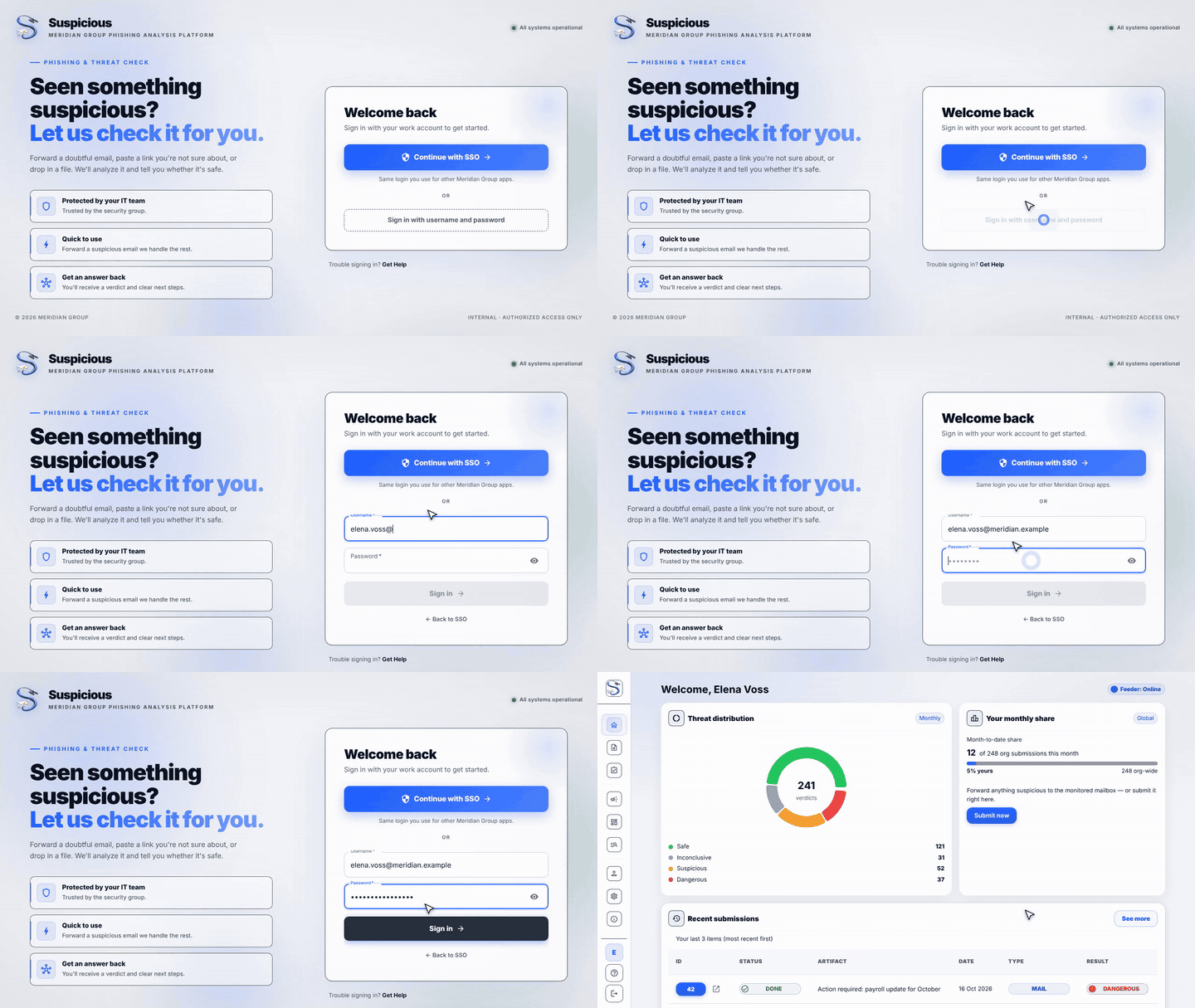
Sign in with SSO, or expand the local-account form.
Home
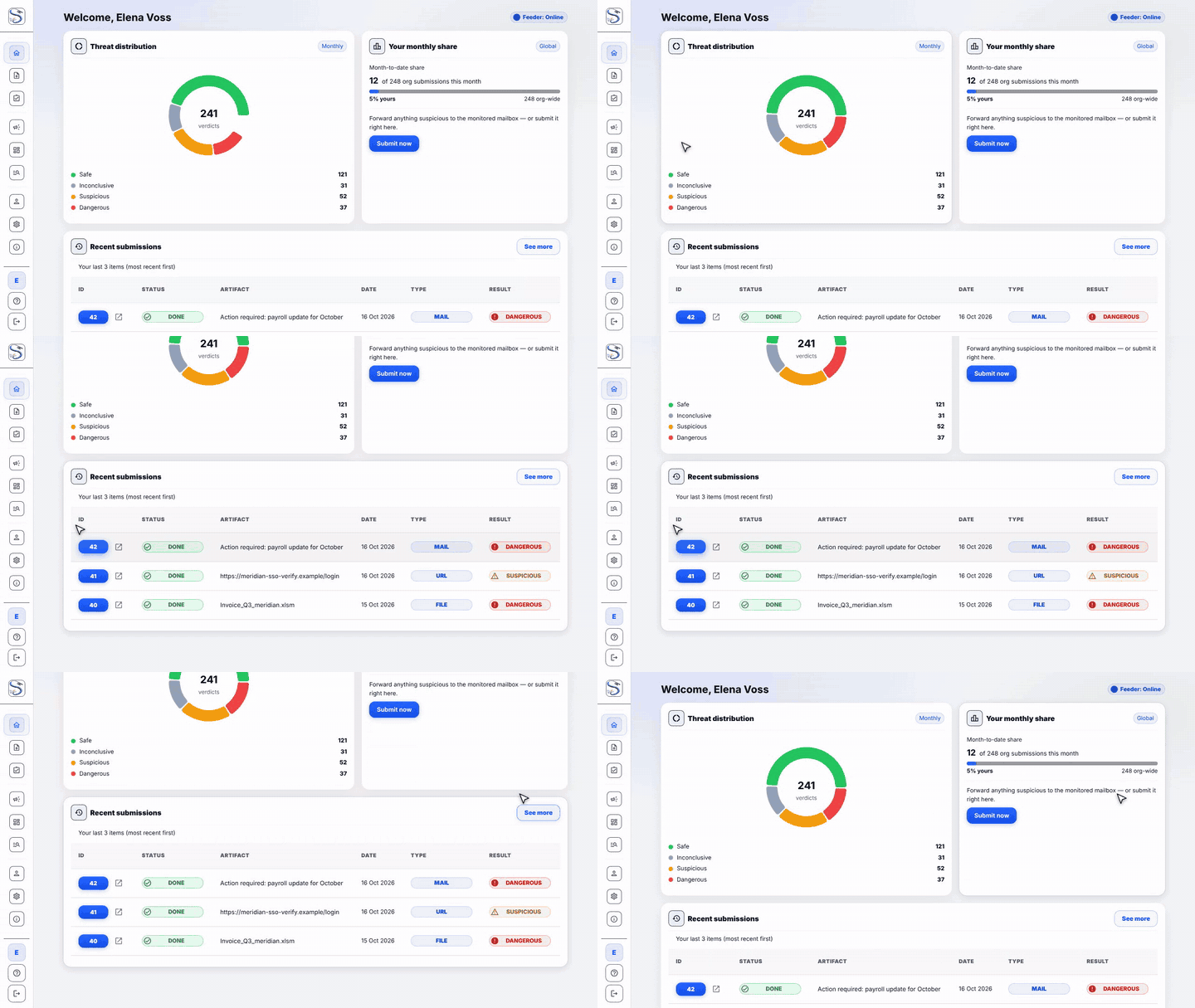
The month's verdicts across the organisation, your share of reports, and your latest submissions.
Submit
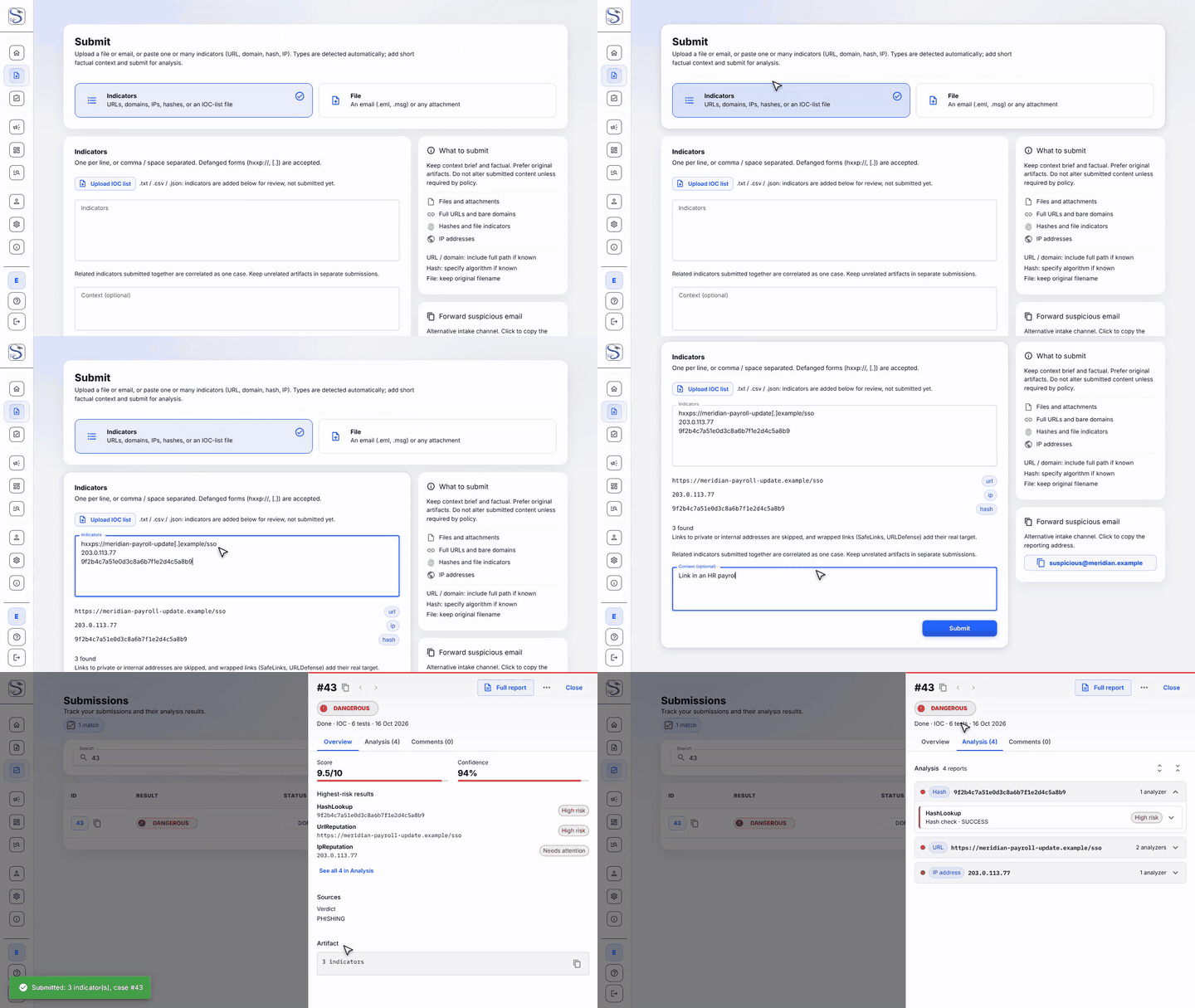
Paste URLs, domains, IPs and hashes, or upload a file. Types are detected automatically. See Submitting.
My submissions
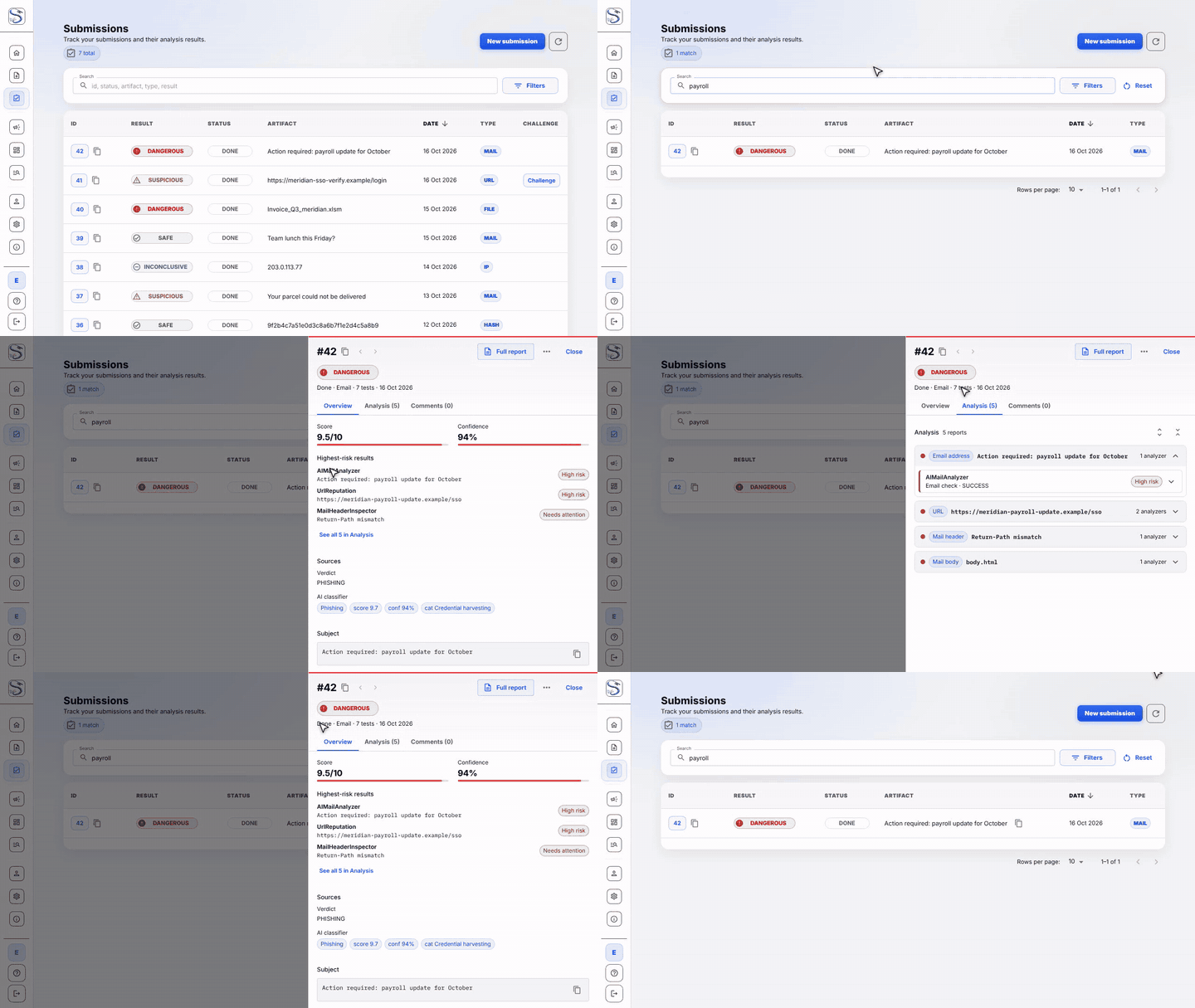
Search your reports and open any case to see its verdict and analysis.
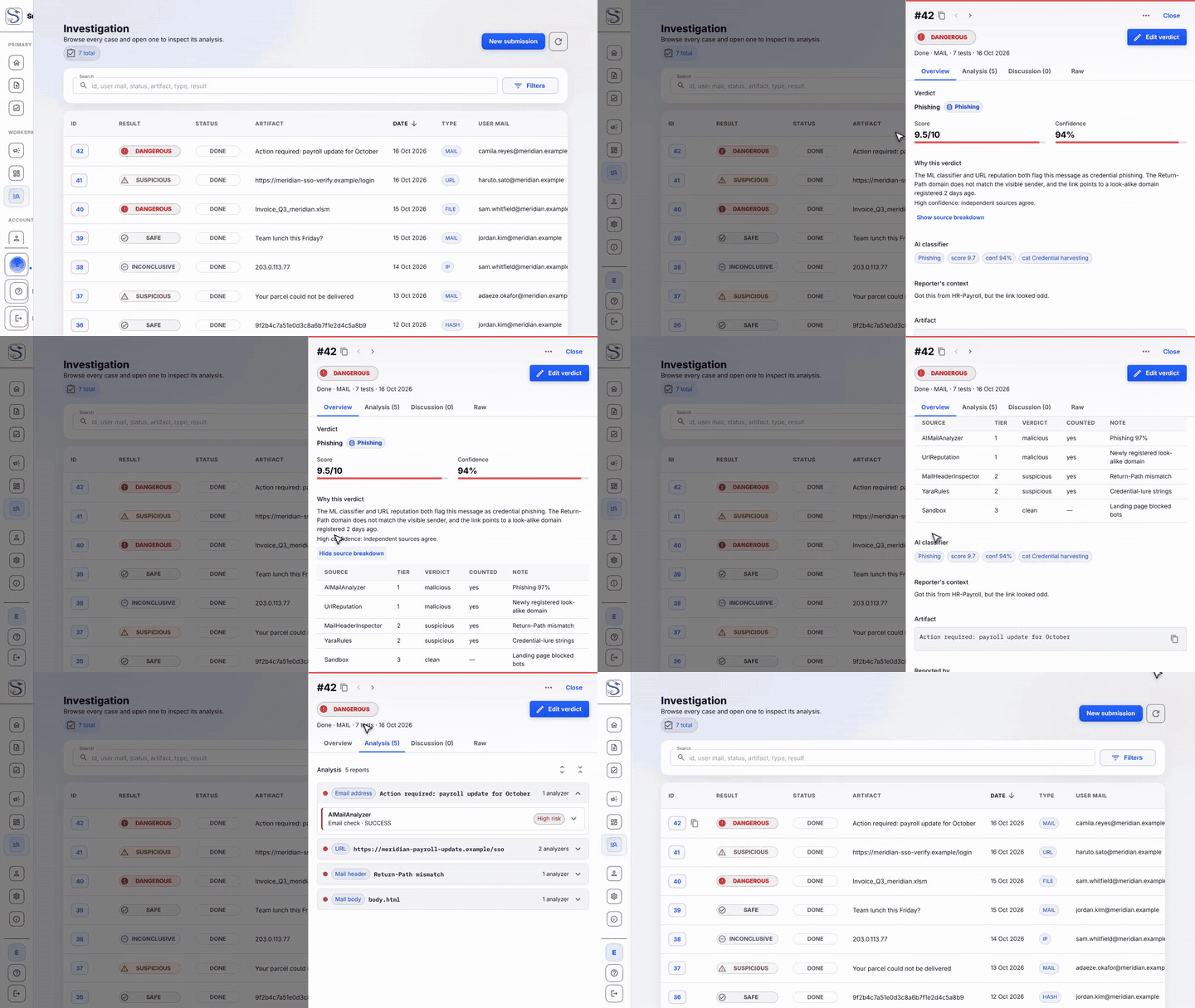
Investigation
The CERT workspace: every case, the explained verdict and the per-source breakdown. See Investigations.
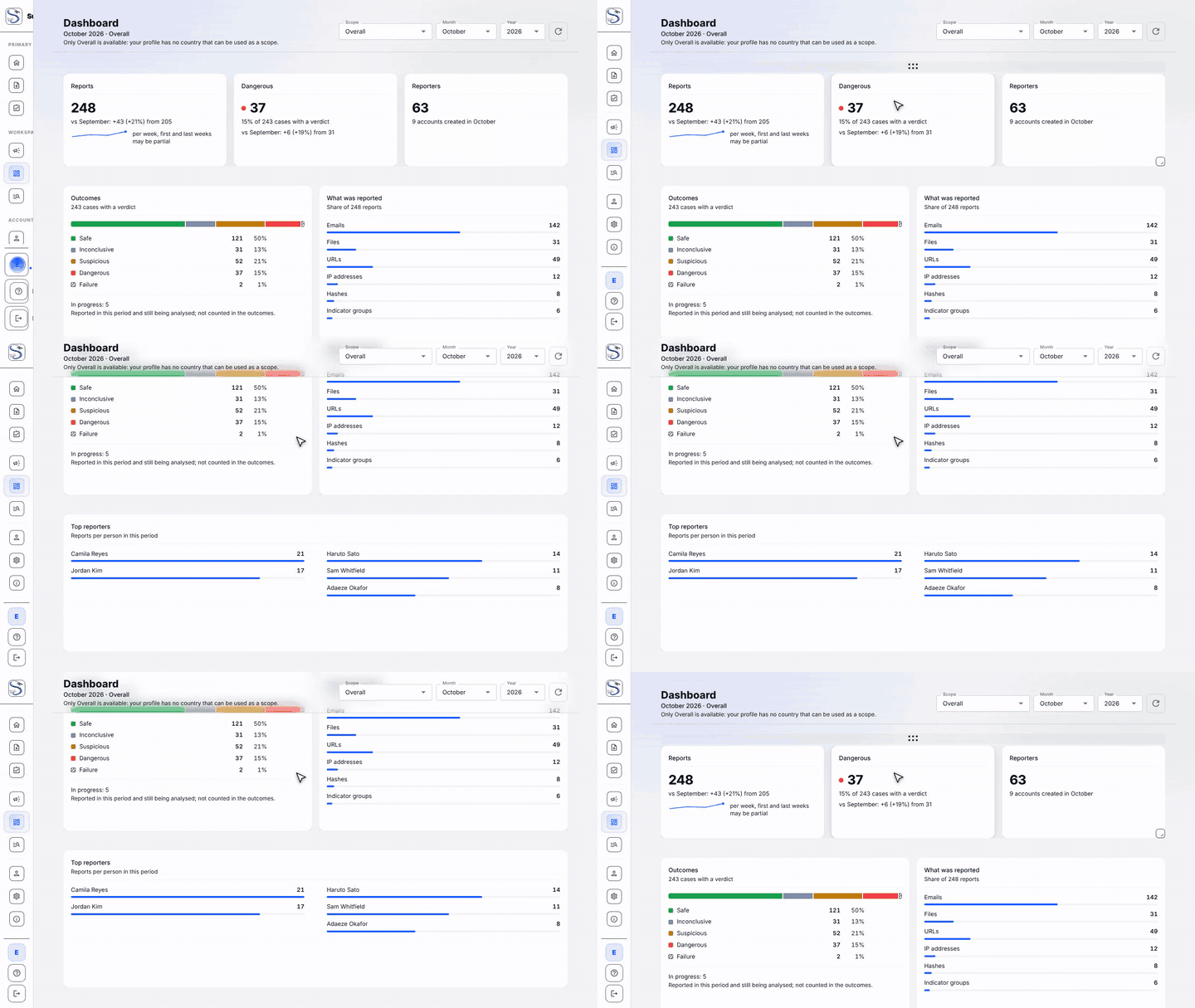
Dashboard
Volumes, outcomes and top reporters, month over month. See Dashboard.
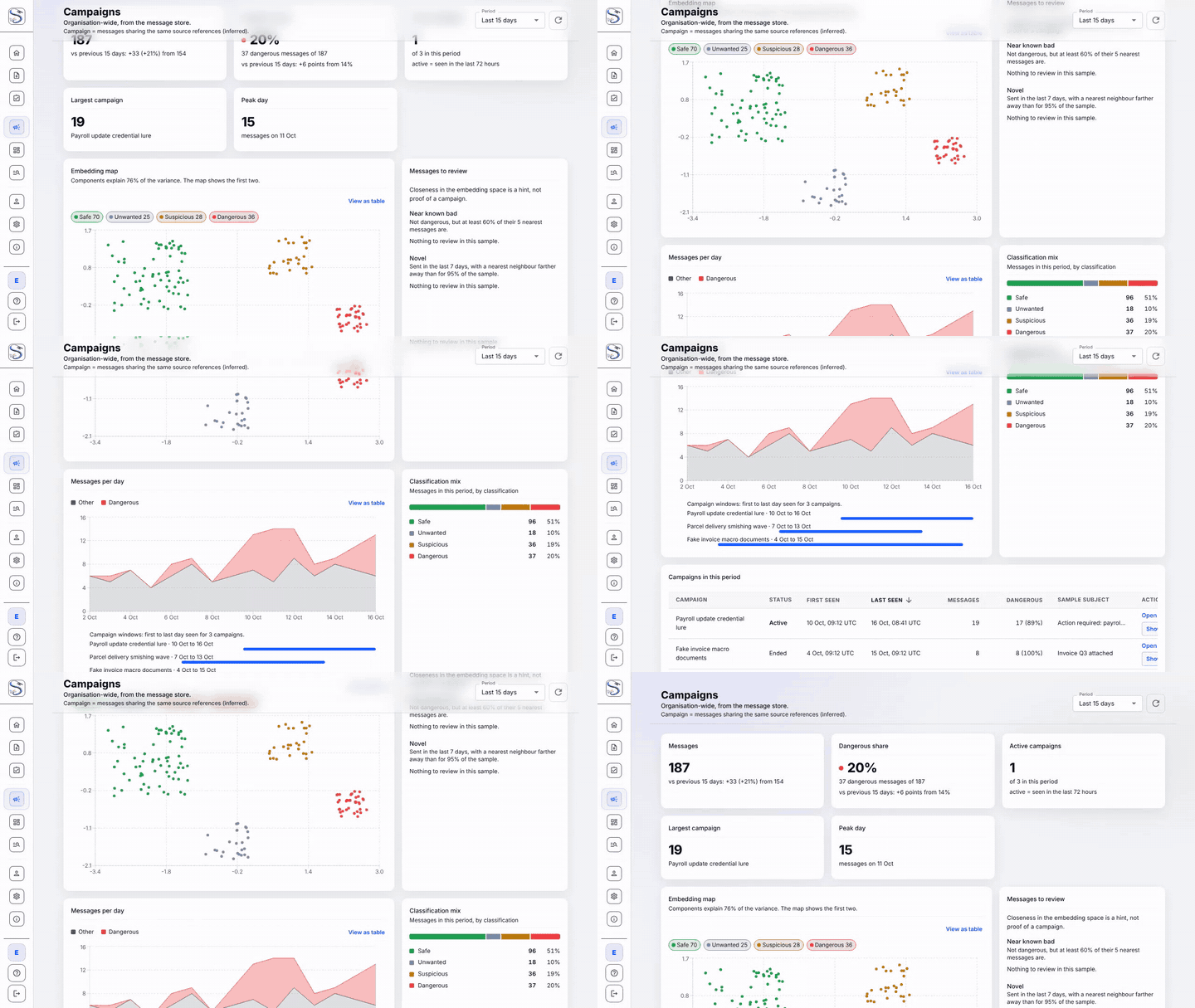
Campaigns
Similar messages clustered with ML embeddings, so a coordinated wave stands out. See Campaigns.
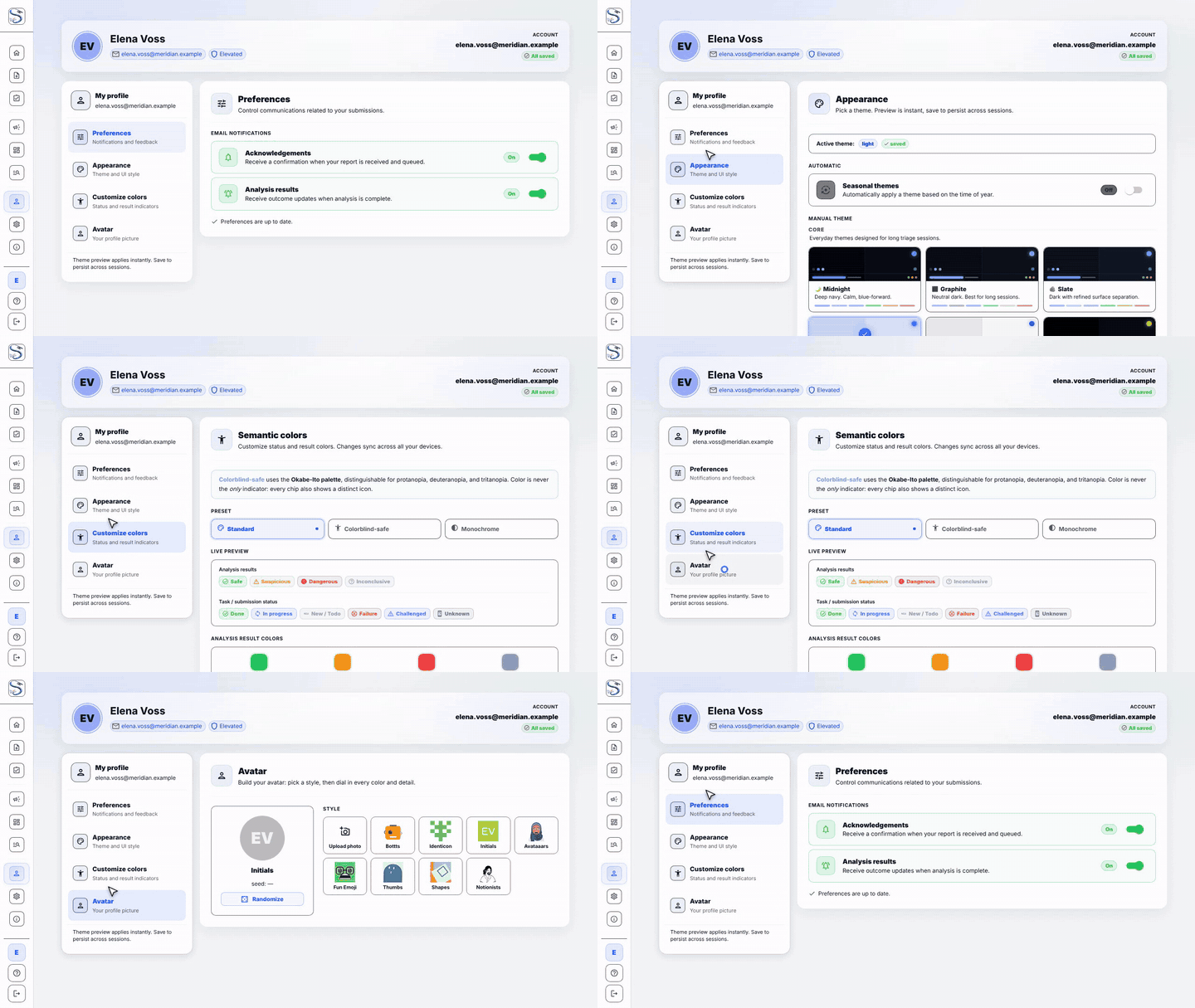
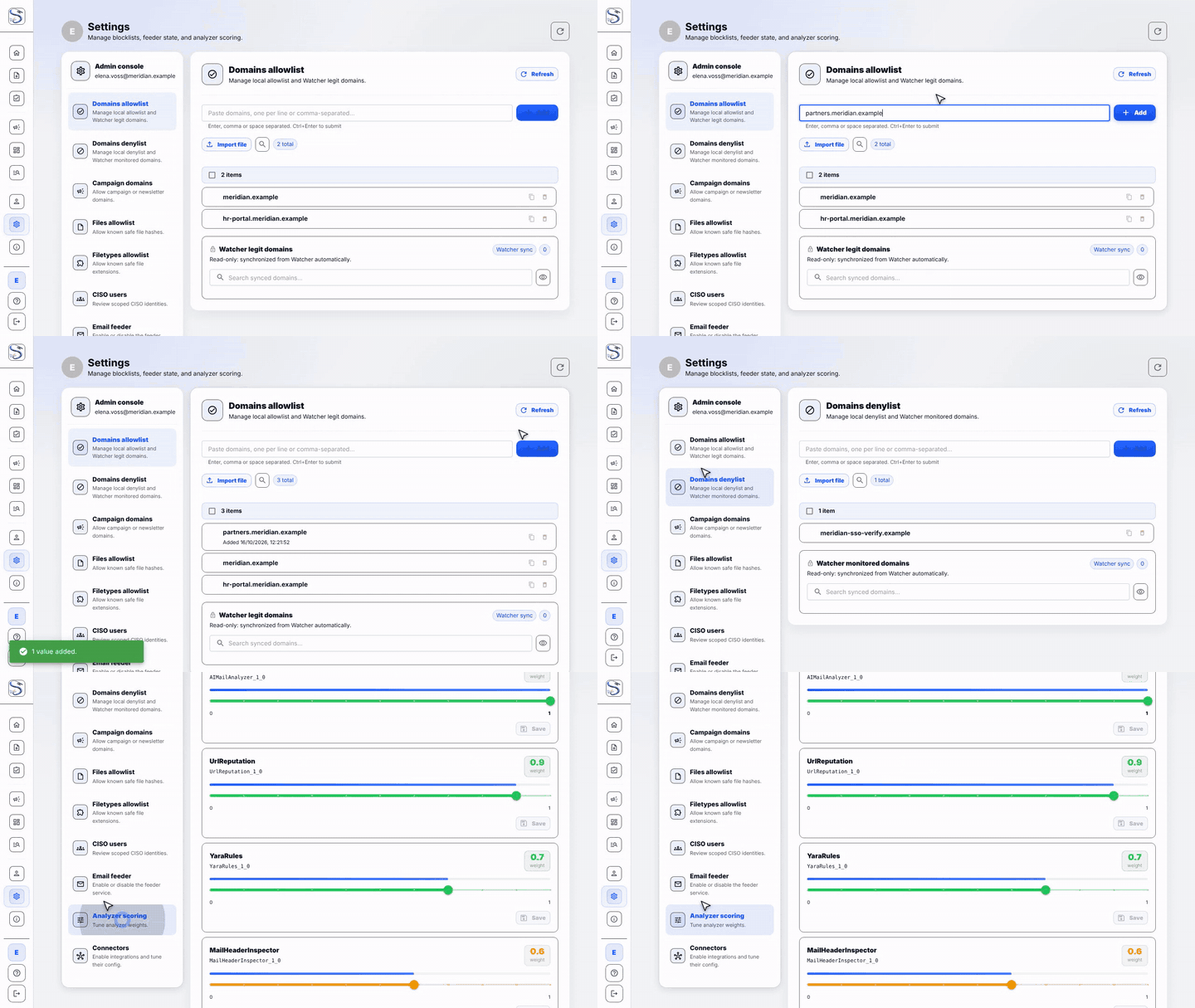
Profile and Settings
Personal preferences and appearance for everyone; allow/deny lists, the email feeder and analyzer scoring for Admin and CERT. See Profile & Settings.
Regenerating these clips
cd suspicious-ui
pnpm demo:gifs   # record every page (demo/pages.demo.ts), then encode to docs/assets/gifs/
Needs ffmpeg and Playwright's Chromium (pnpm exec playwright install chromium).